friction
Distraction blocker, built around friction and urge decay
A tool for myself to stay focused by locking apps and websites for a set period of time, requiring a 30-second pause, an intention phrase, and a PIN to unlock them.
Overview
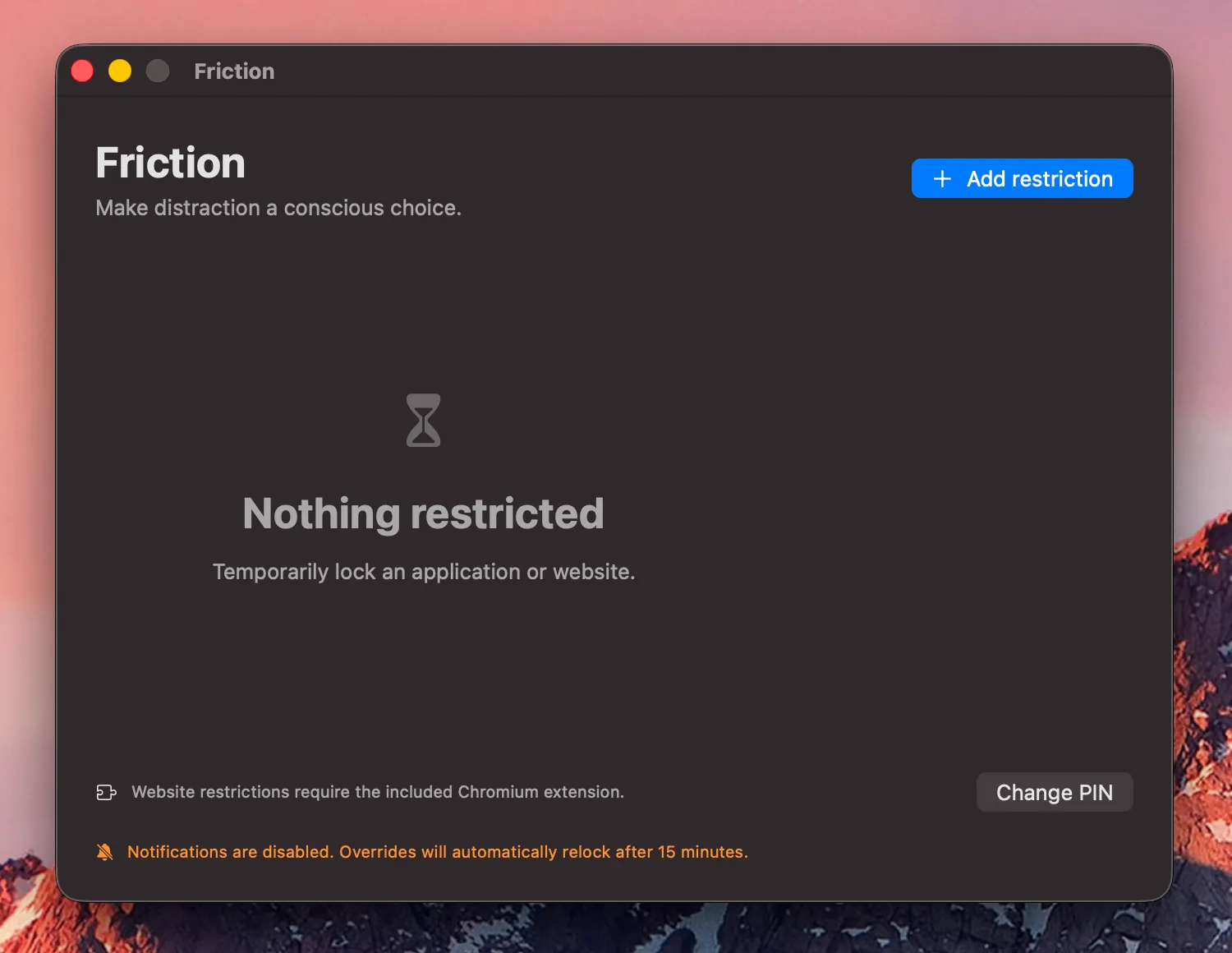
Friction is a focus tool built around the idea of friction in user experiences as well as urge decay. It lets users proactively restrict distracting applications and websites when they want periods of focused work. It introduces deliberate obstacles designed to give the user a chance to make a conscious choice instead of becoming distracted based on impulsive moments.
Approach
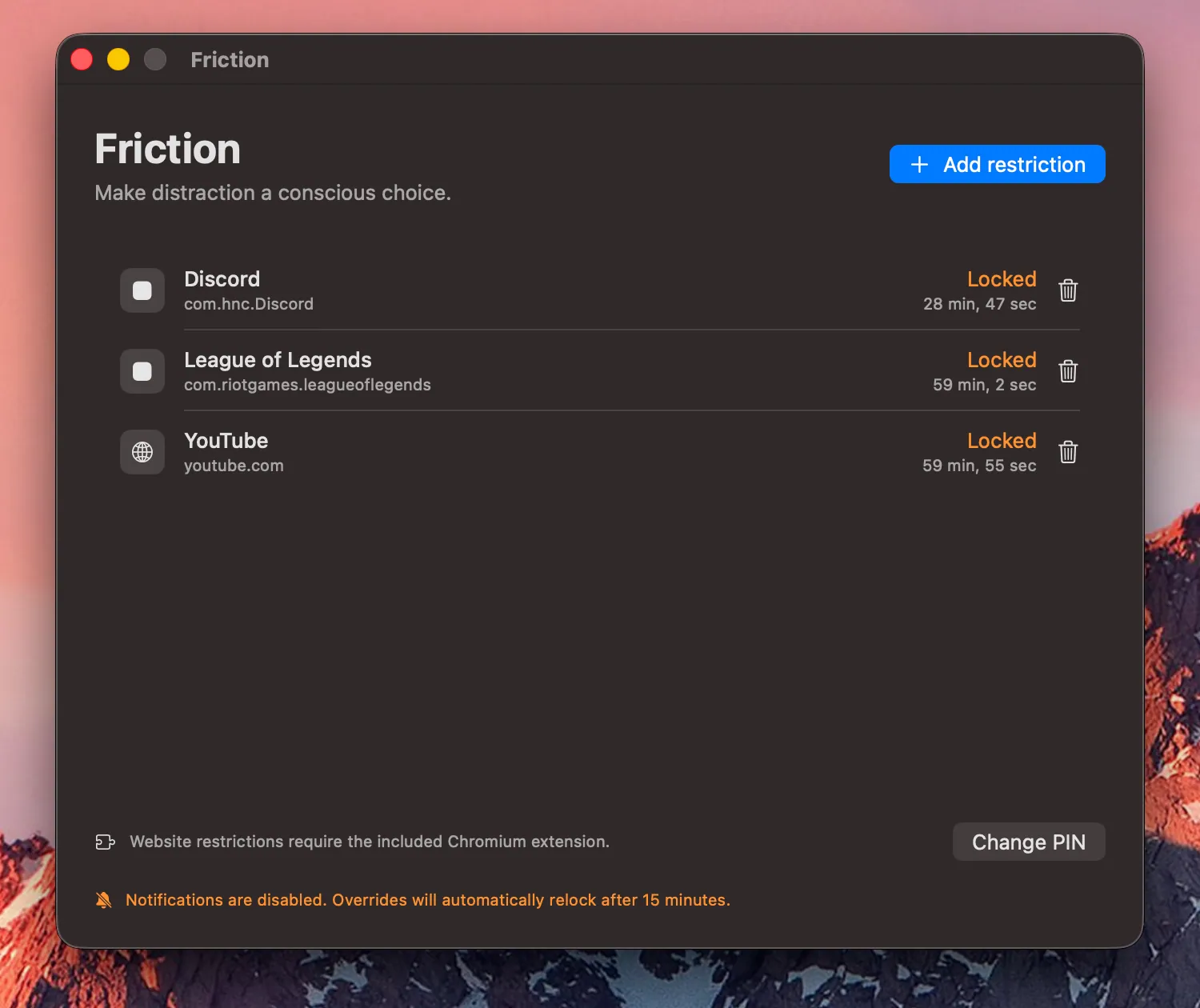
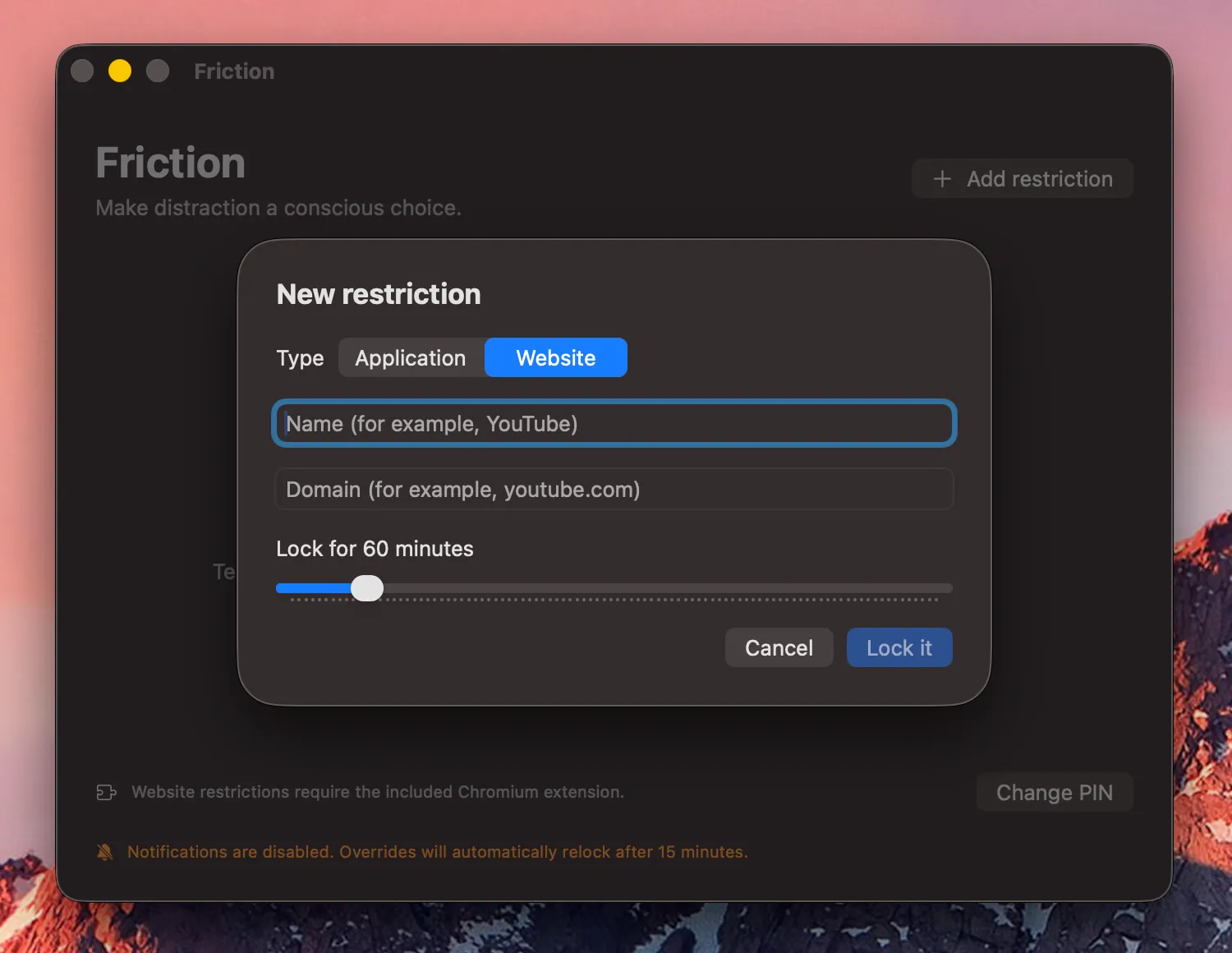
The app is a native macOS application built in Swift with an accompanying Chromium Manifest V3 extension, working together to manage restrictions across both desktop apps and websites/URLs.
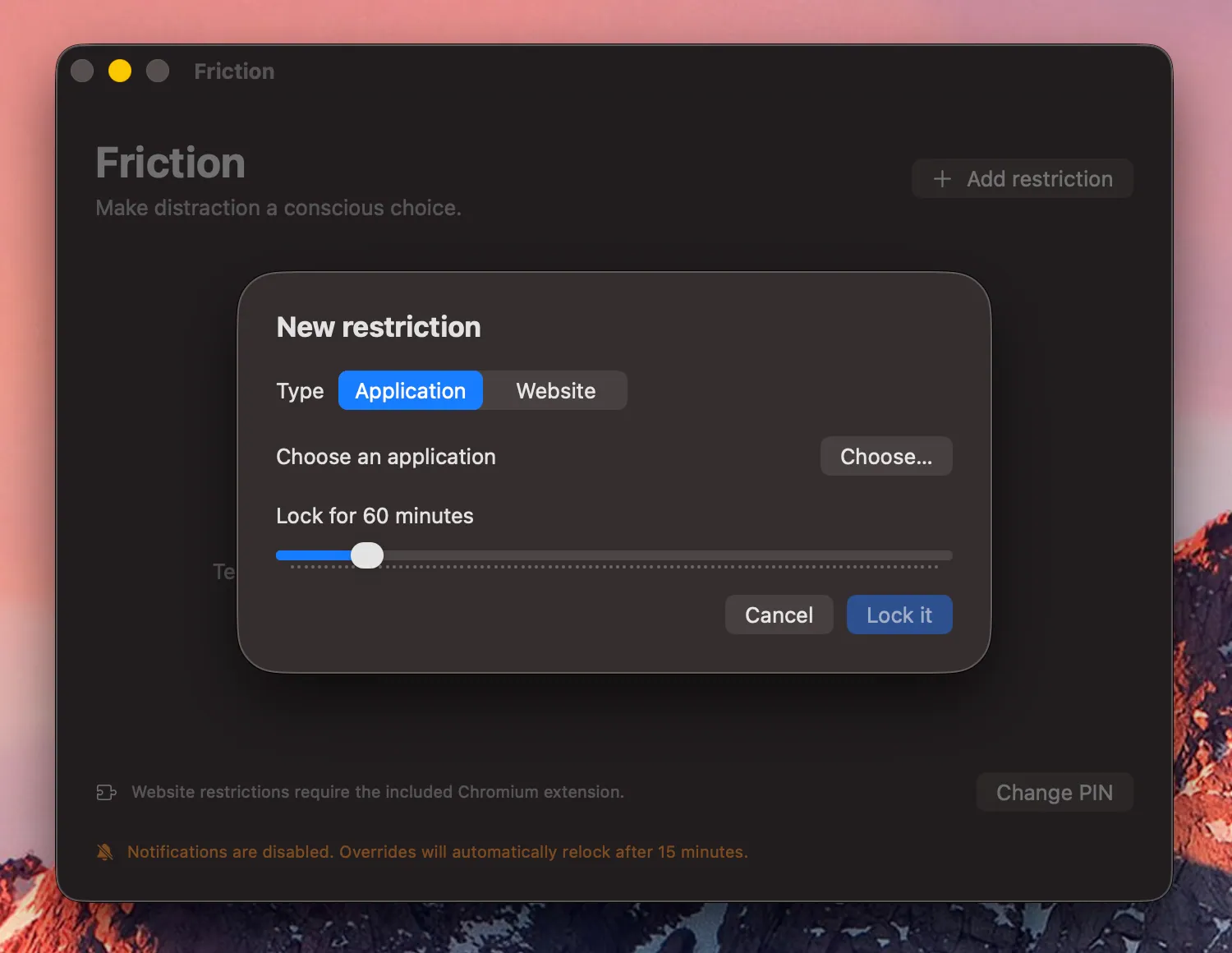
Users can configure blocked applications and URLs, assign restrictions and manage them centrally through the Friction application.
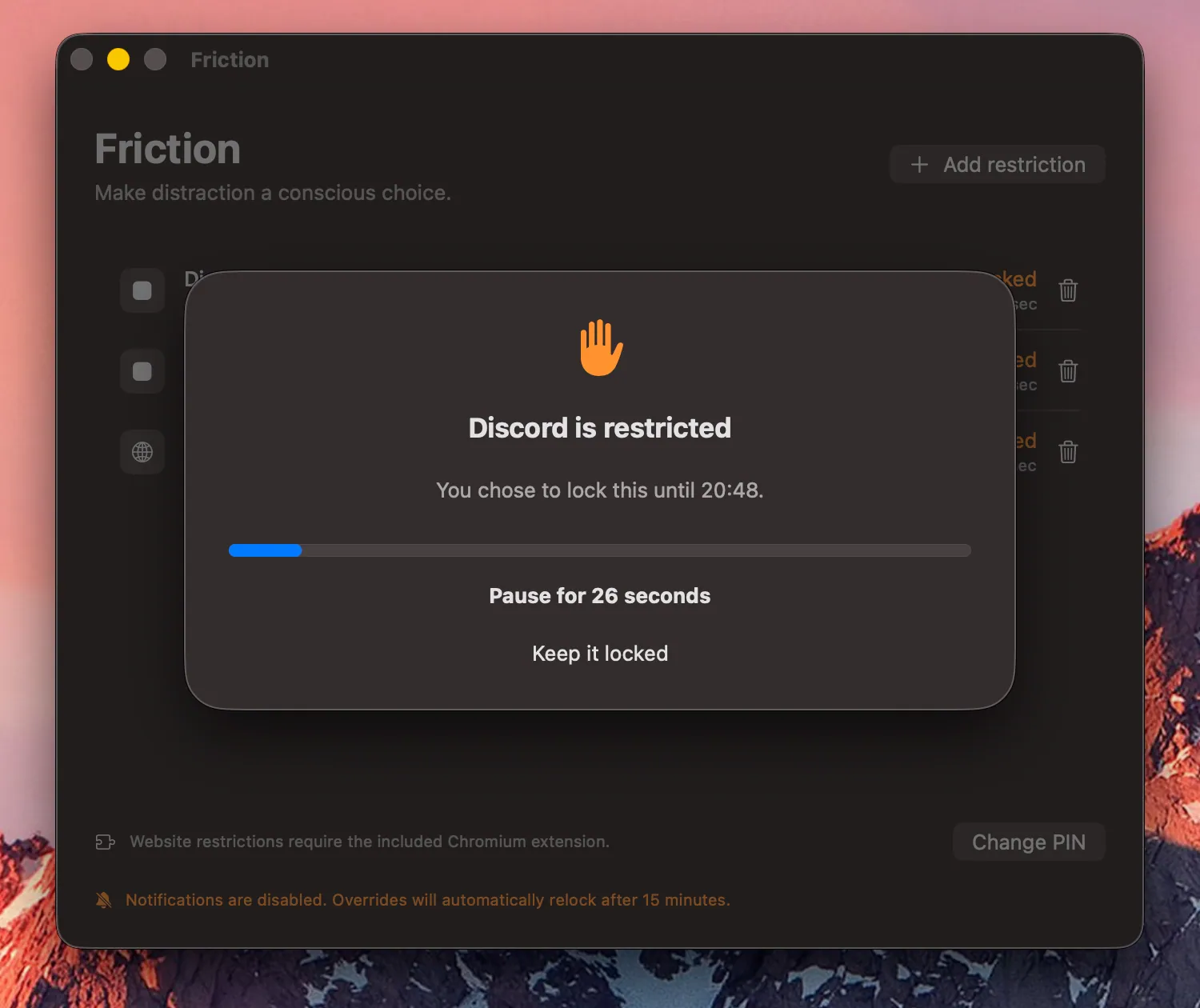
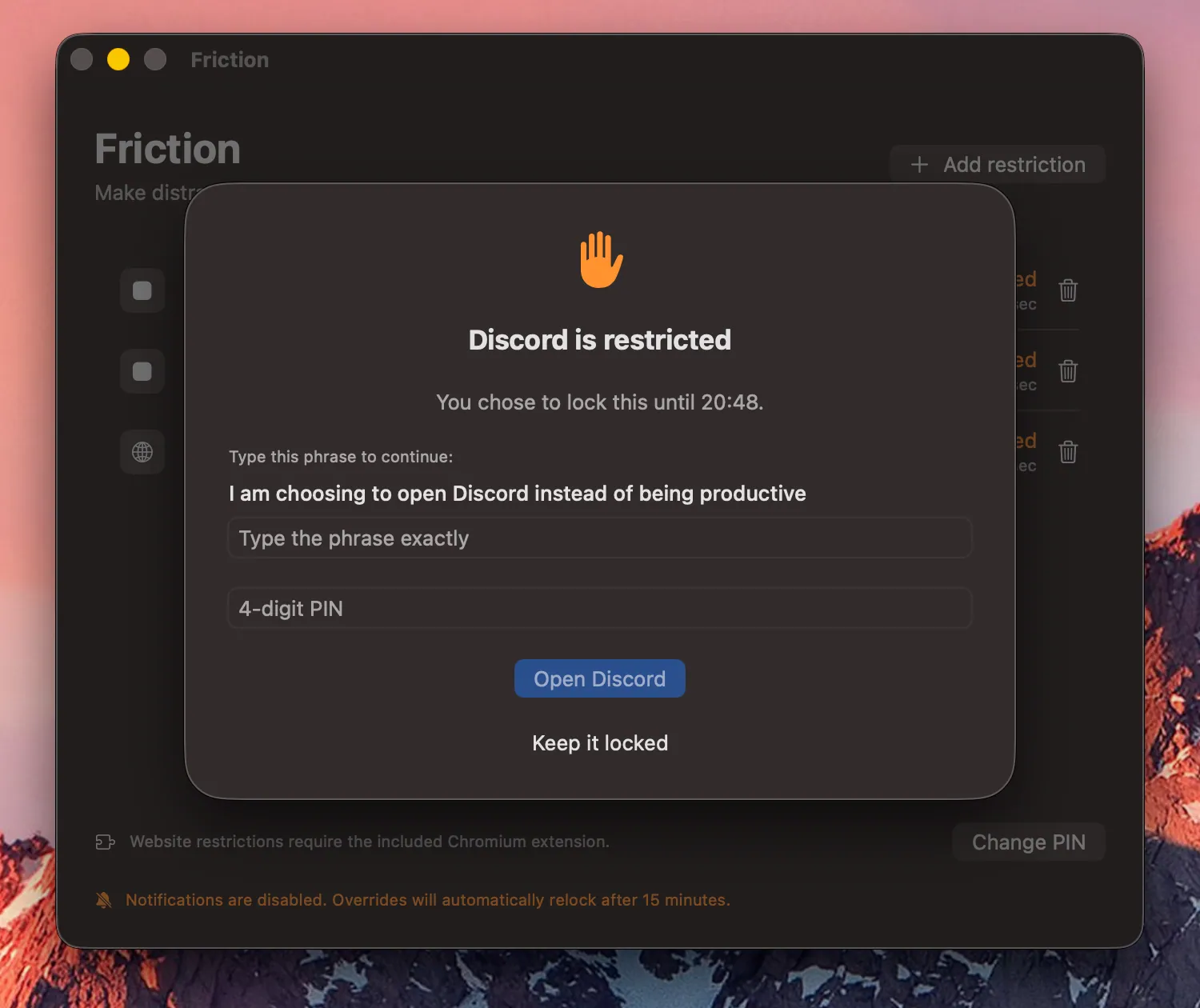
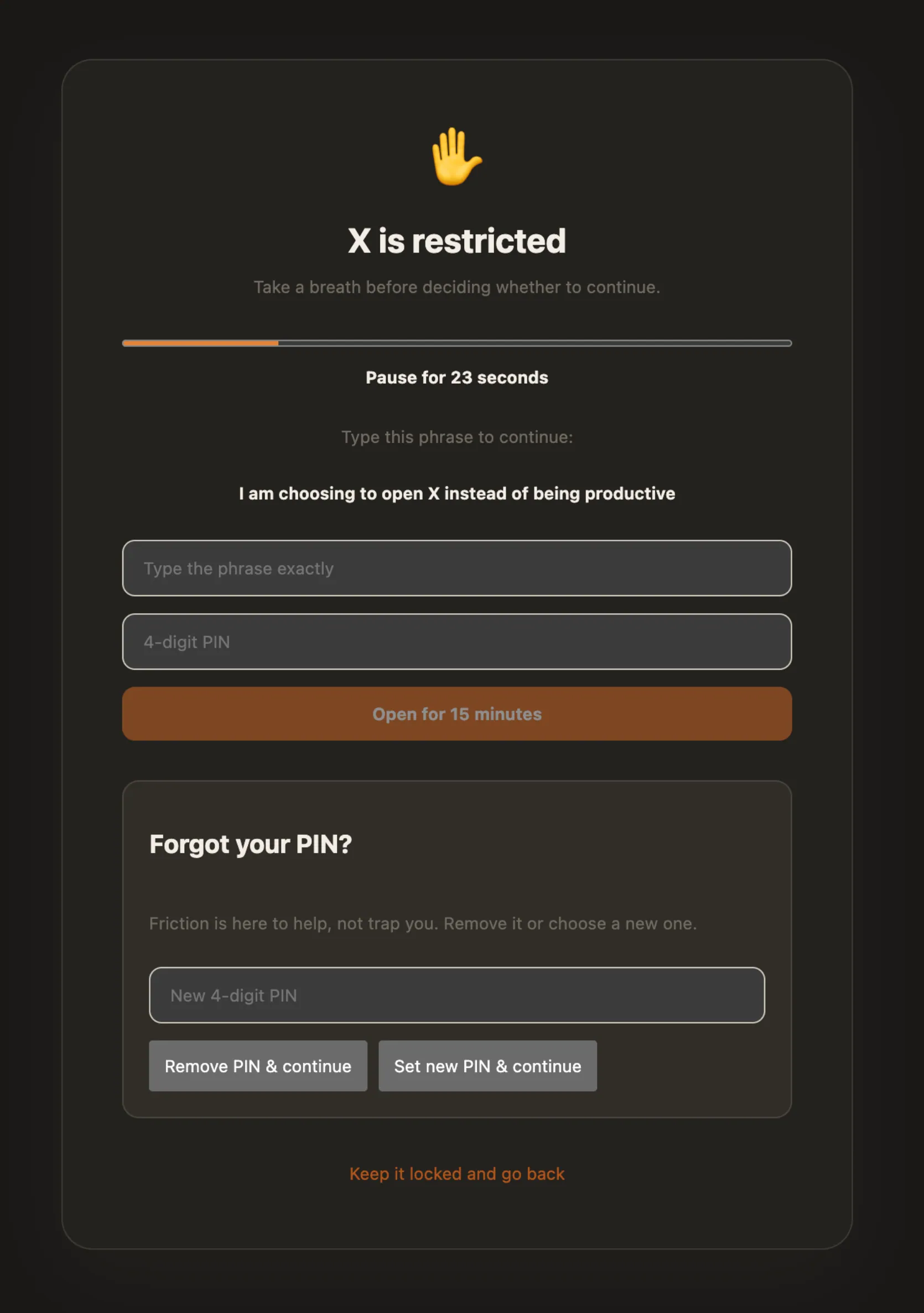
When attempting to access a restricted app or site, the user is interrupted and presented with a multi-stage override process:
1. Interruption: The attempted application launch or website access is blocked, bringing the friction app into focus and presenting a pop-up, identifying the 'breach', so to speak.
2. Delay: A 30-second waiting period introduces a moment of separation between the initial impulse and the active decision to proceed.
3. Intention: The user must explicitly acknowledge their decision by typing a dynamically generated phrase: “I am choosing to open [application] instead of being productive.”
4. Confirmation: A personal four-digit PIN is the last step, after which the user will have completed the override, giving them access to the restricted app.
The application was developed entirely through AI coding agents, partly because I want to get more accustomed to working this way, but also because I don't have any Swift experience. Though all features, interaction design, and behavioural mechanisms were designed by me.
Outcome
The end product is a focus tool that works cross-platform, restricting both apps and websites. The restrictions are made by the user and they are designed to induce reconsideration.
The idea stemmed from the fact that I didn't feel like Apple's built-in Screen Time blocks were what I wanted. I wanted something that would give me a chance to get over the impulse. If all that stands in the way is a 4-digit code, I might fly through that without even getting the chance to think about it.