Lyricoverlay
Lyric overlay, built around Spotify
An always-on-top macOS lyrics overlay for Spotify, offering broader lyric availability, improved synchronisation and visual customisation.
Overview
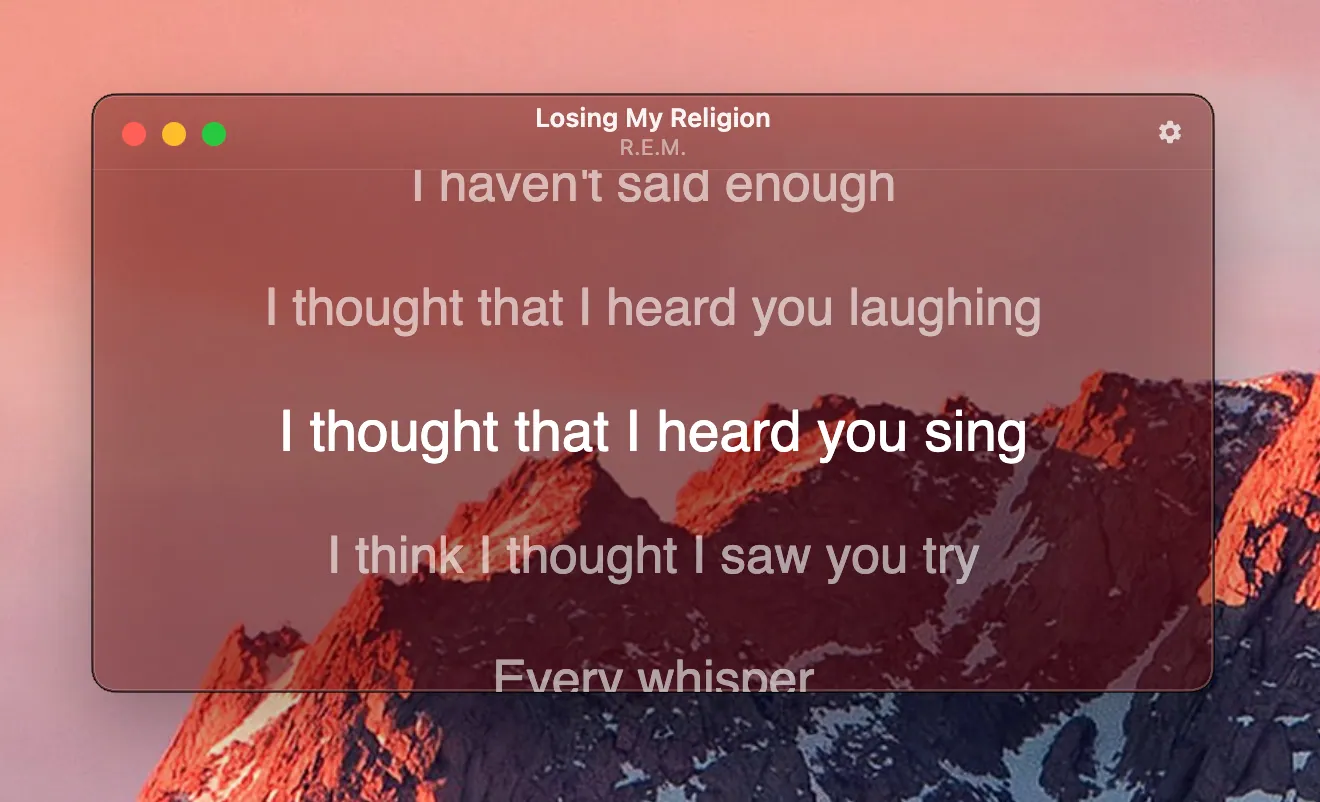
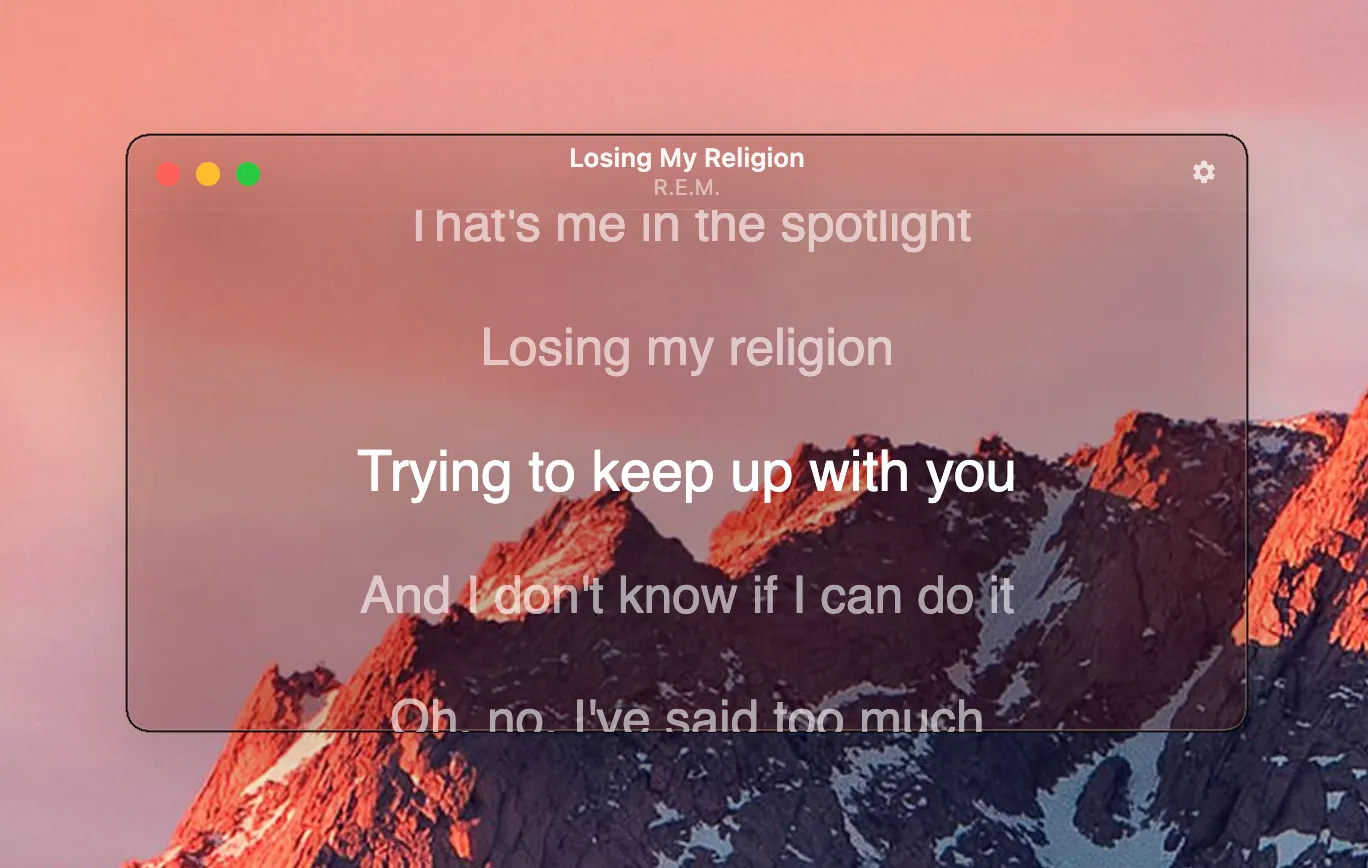
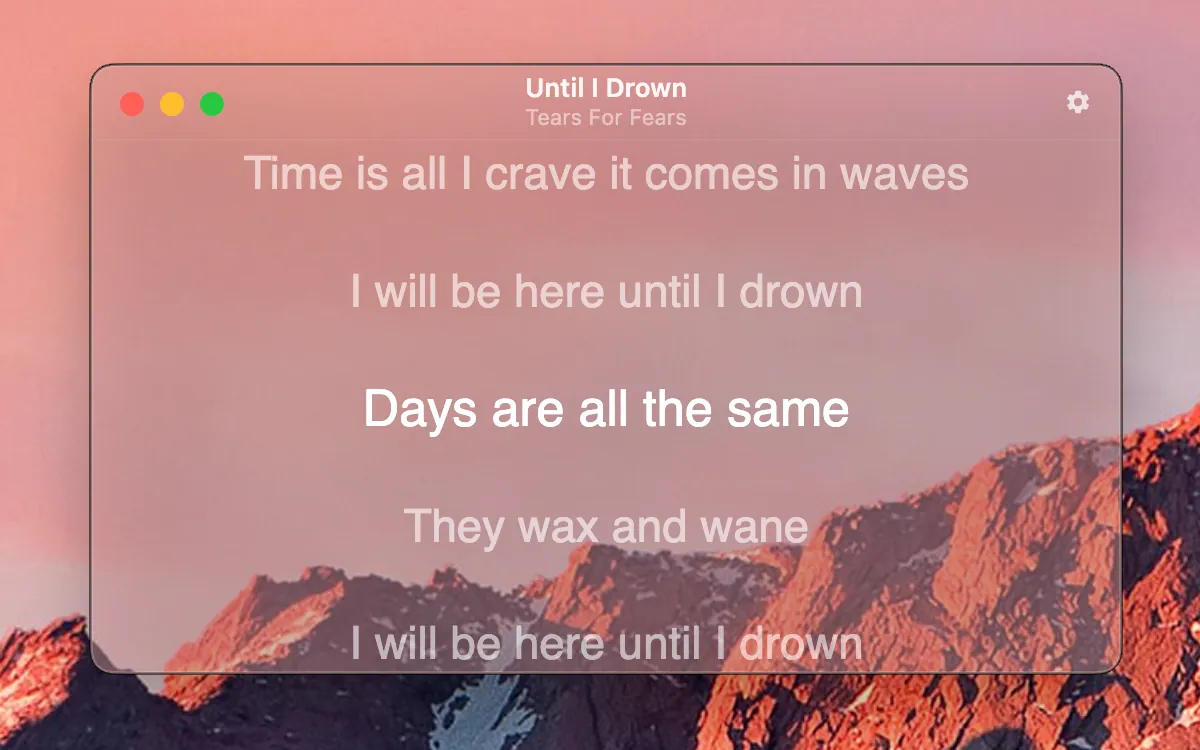
I made this as a macOS desktop application designed to replace my use of Spotify’s native lyrics experience. The initial motivation was the lack of an always-on-top lyrics display, which made it difficult to follow lyrics while working in full-screen applications or using screen space for other tasks. But I had also noticed other limitations like the lack of lyrics for certain popular songs and limited options
Approach
The application was built using Electron, HTML, and JavaScript. This allowed me to develop a native desktop app but stay with web technologies I was already familiar with. Though, I do see the limitations of using Electron because of how heavy it makes an otherwise lightweight application.
I used AppleScript to communicate directly with the Spotify desktop application, periodically retrieving the currently playing track, the artist name, and the playback position. This information was then used to query LRCLIB, an external provider of timestamped lyrics, retrieve the corresponding lyrics, and synchronise their display with the Spotify playback.
Outcome
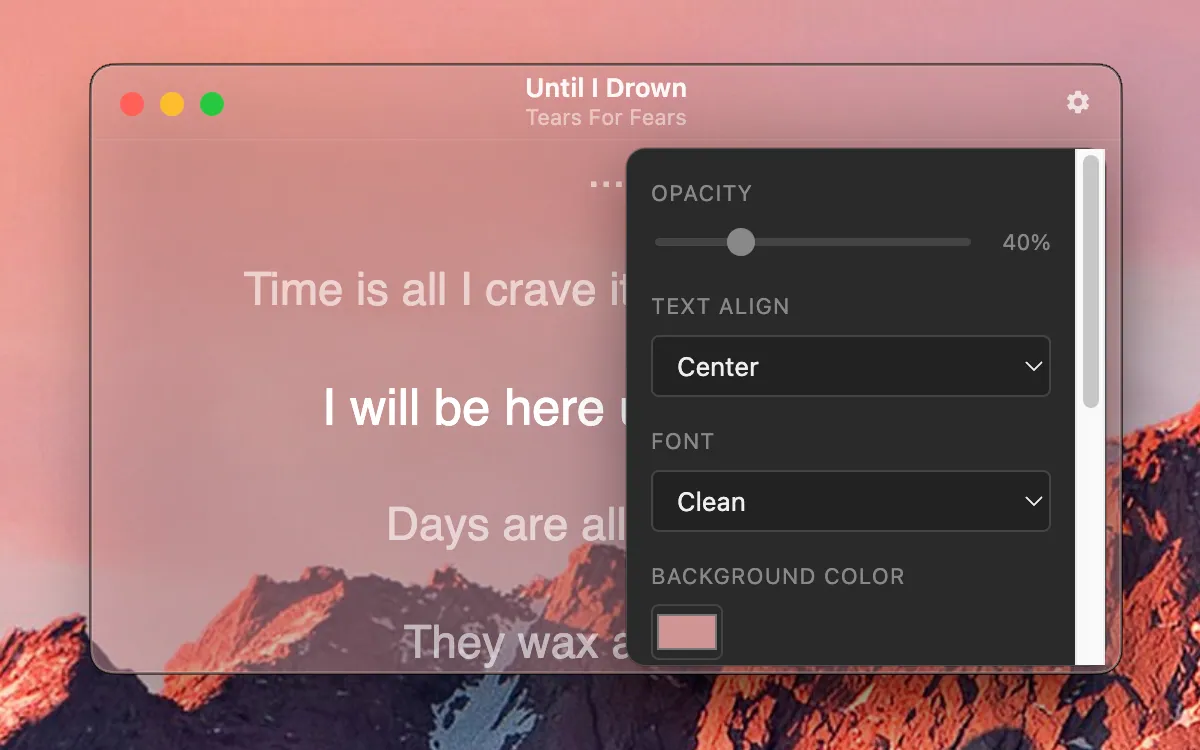
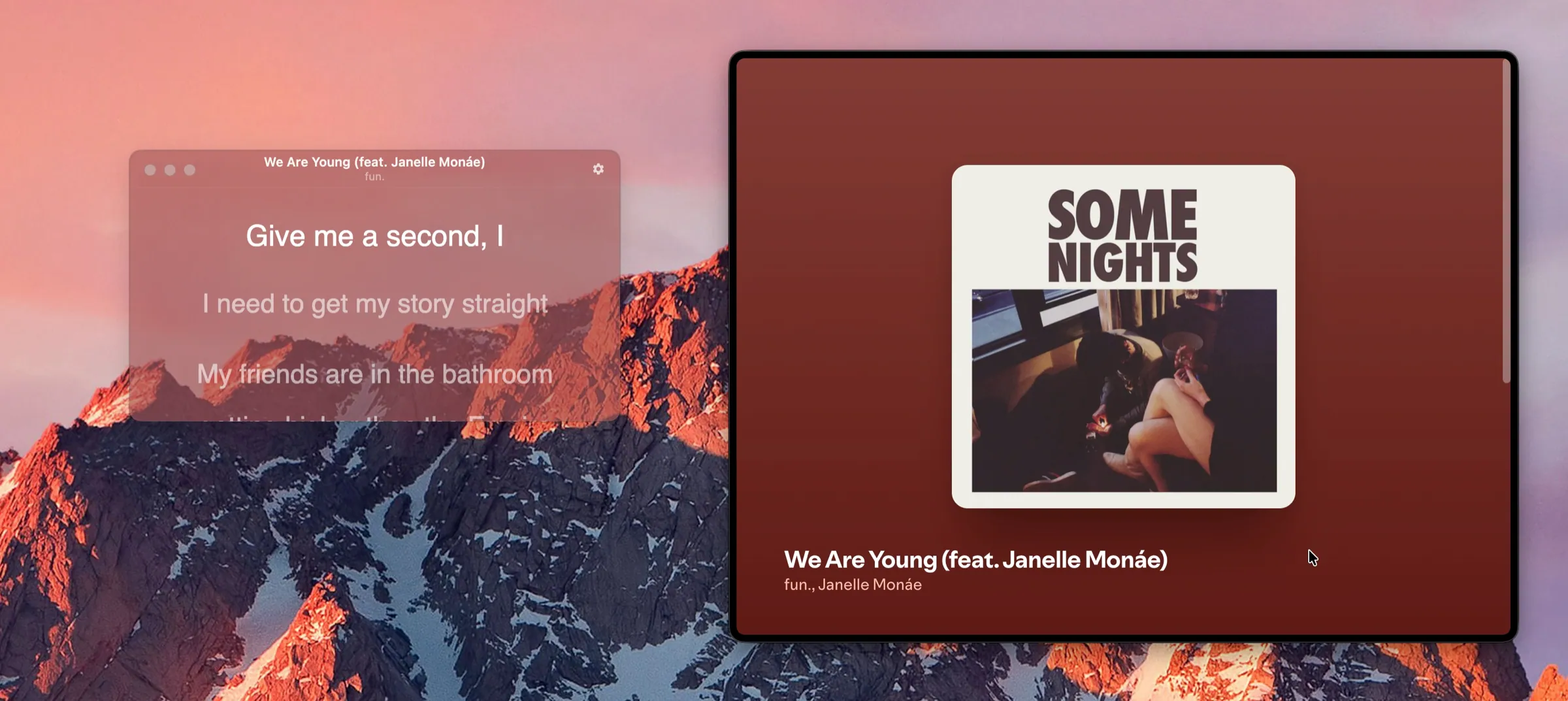
The result is an always-on-top overlay that can remain visible while working in other applications, without taking up any inordinate amount of screen real estate, or interrupting existing workflows. It also has a broader lyrics library, often better synchronisation, and a degree of visual options that is not present in Spotify.
If I were to do this over, I would absolutely do it in Swift instead. It would be much more lightweight and have better performance. But, I'm still happy with the result and I still regularly use it.